> For the complete documentation index, see [llms.txt](https://docs.bet2invest.com/llms.txt). Markdown versions of documentation pages are available by appending `.md` to page URLs; this page is available as [Markdown](https://docs.bet2invest.com/experts/how-to-place-tips-on-bet2invest.md).
# How to Place Tips on Bet2Invest
On Bet2Invest, you can publish tips through a **bookmaker-like interface** (event search, market selection, odds, stake), while keeping a fully tracked history inside your bankroll.
***
### Before you start
Make sure you have:
* A Bet2Invest account (logged in)
* At least one bankroll (public or private) to record the tip in
* Your staking approach defined in **units** (see [What's a Unit?](/bankrolls/whats-a-unit.md))
{% hint style="info" %}
Everyone can post tips on Bet2Invest. Your **track record** (sample size, yield, CLV/CLEV, etc.) is what determines whether you may later qualify as a **PRO Expert**.
{% endhint %}
***
## Step-by-step: placing a tip
{% stepper %}
{% step %}
### Open the “Virtual Betting” interface
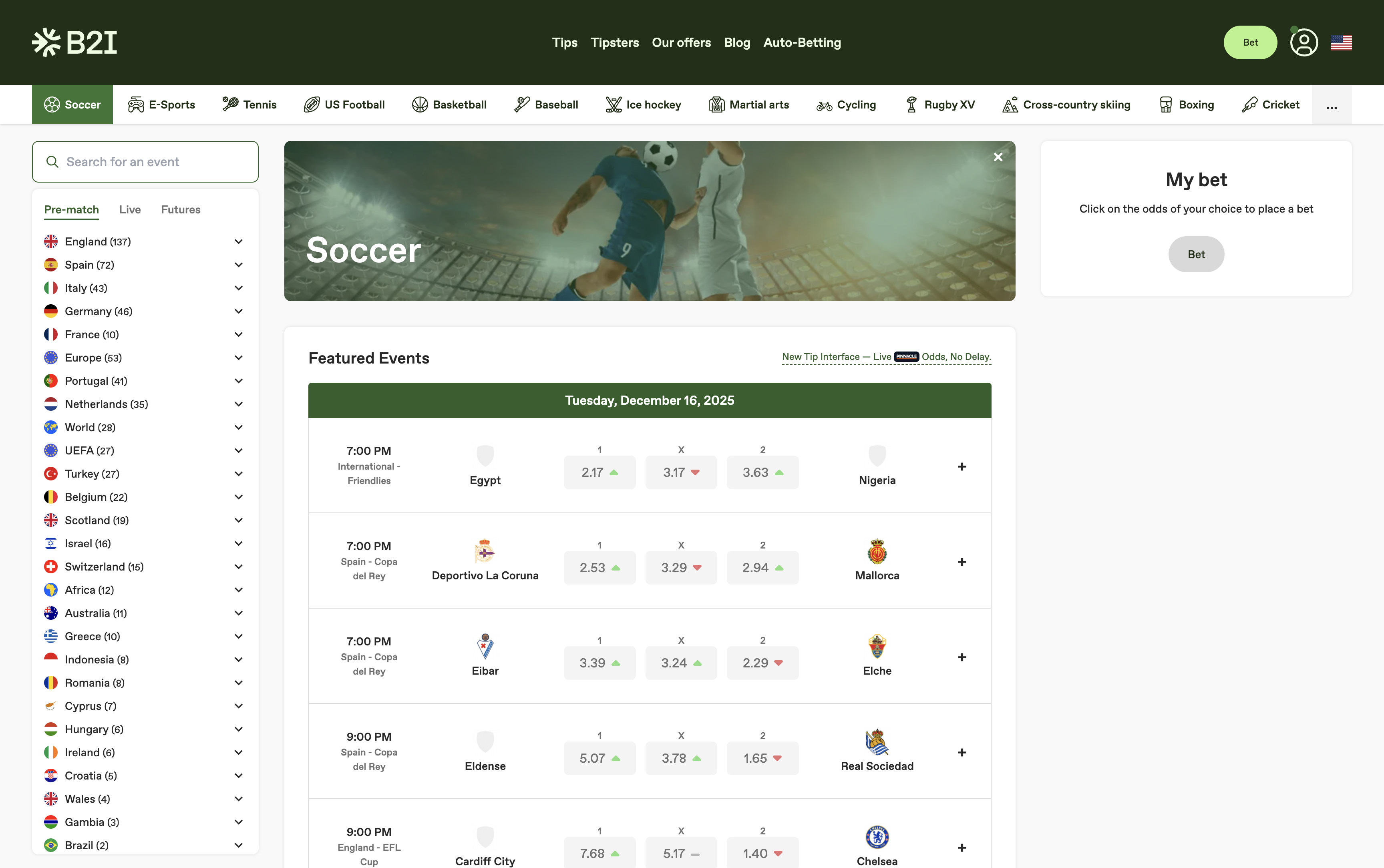
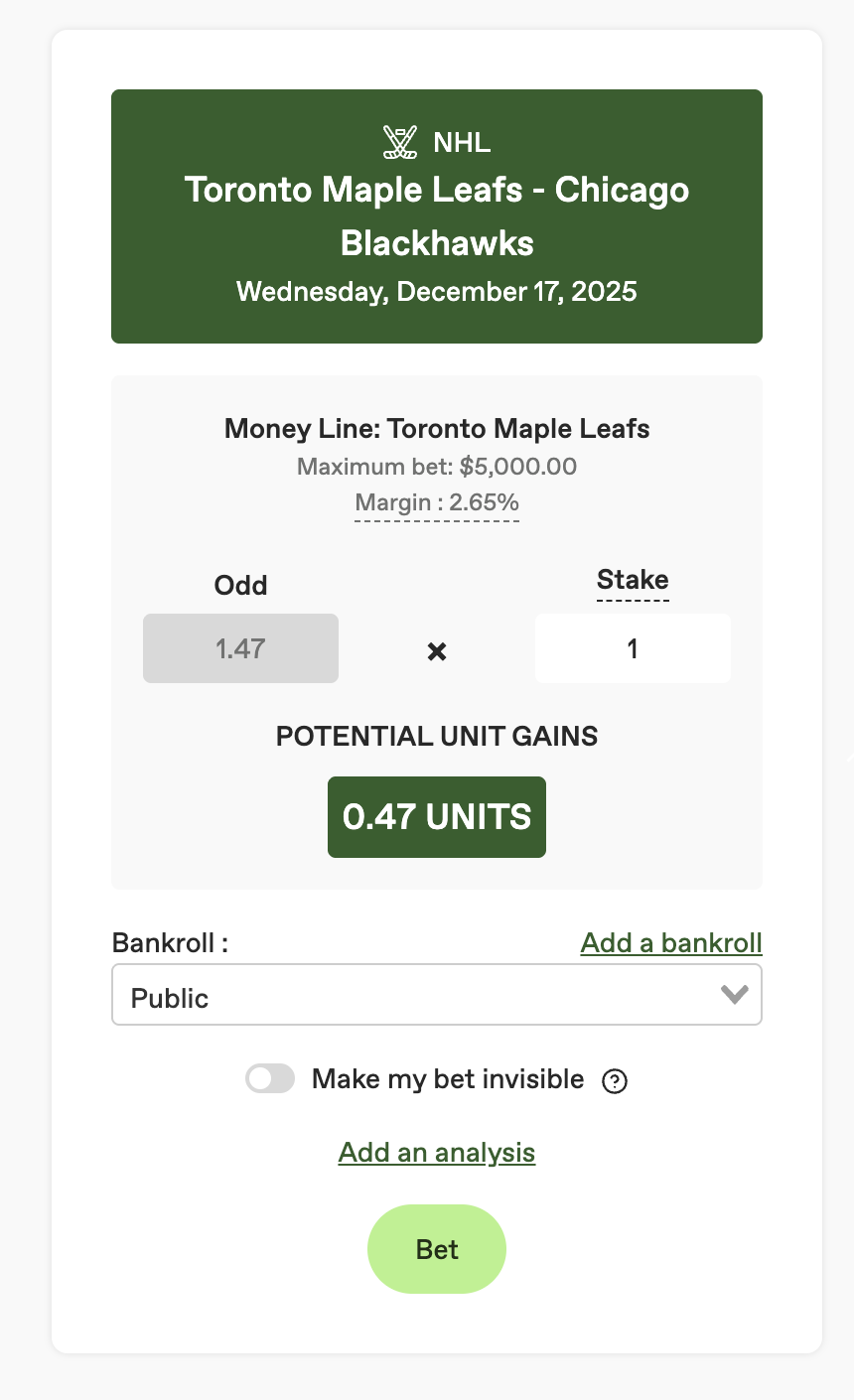
Throughout the website, you can click on "Bet" to access the "Virtual Betting" interface. This name serves as a reminder to all users that real money cannot be wagered.
{% endstep %}
{% step %}
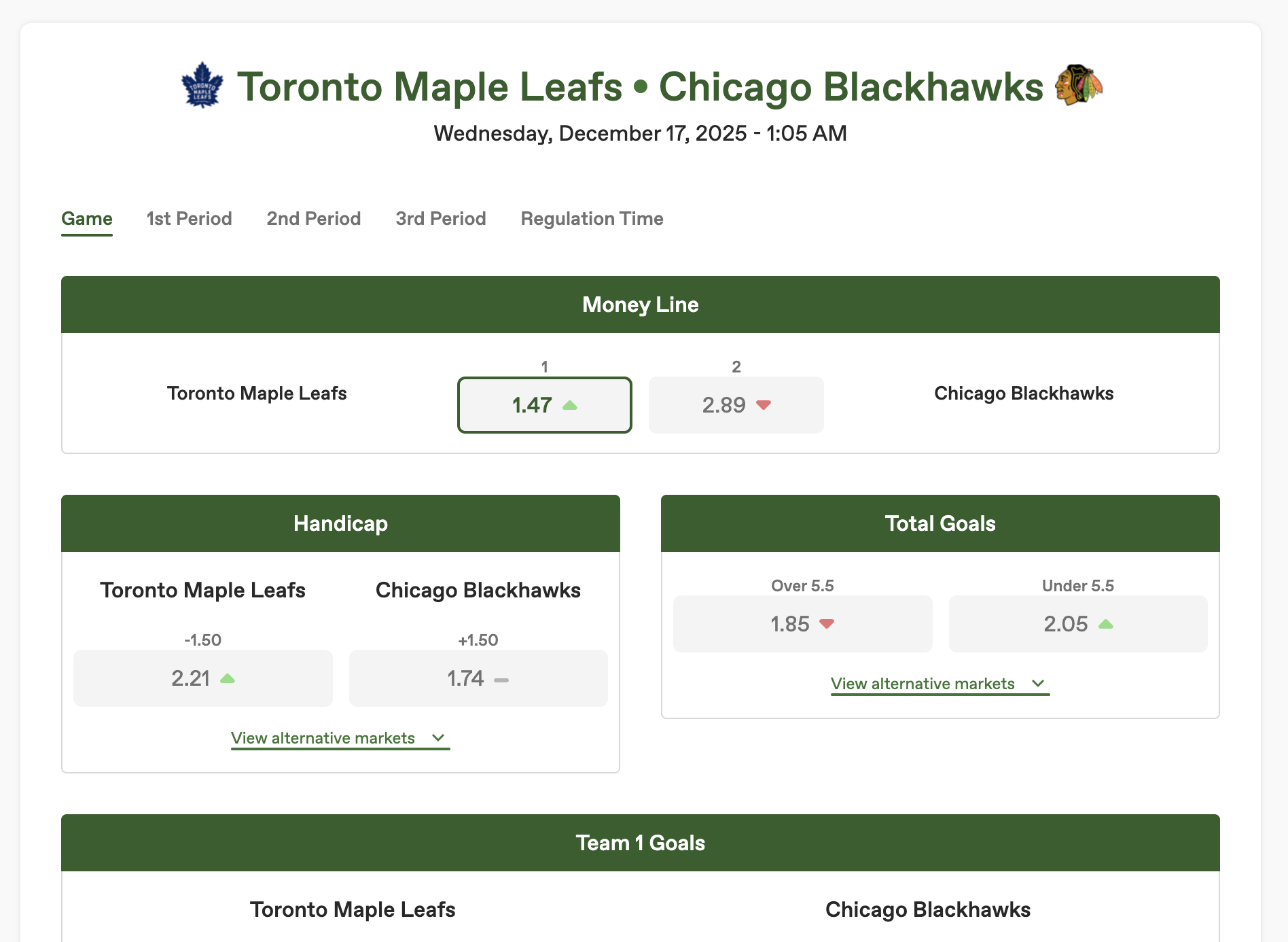
### Select the event (match) you want to bet on
1. Choose the **sport**.
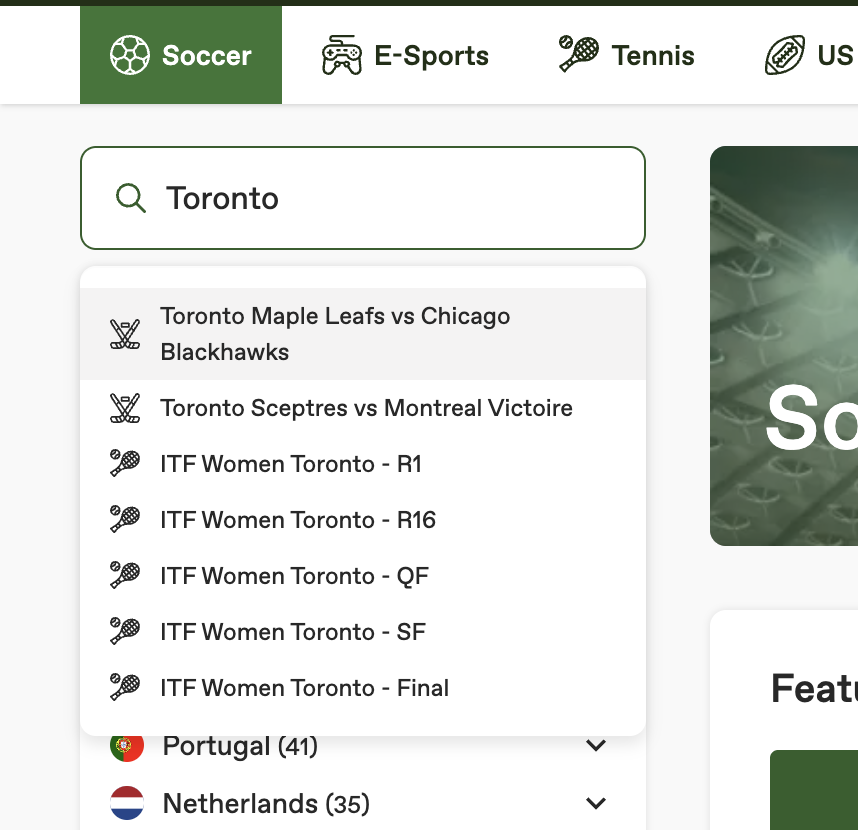
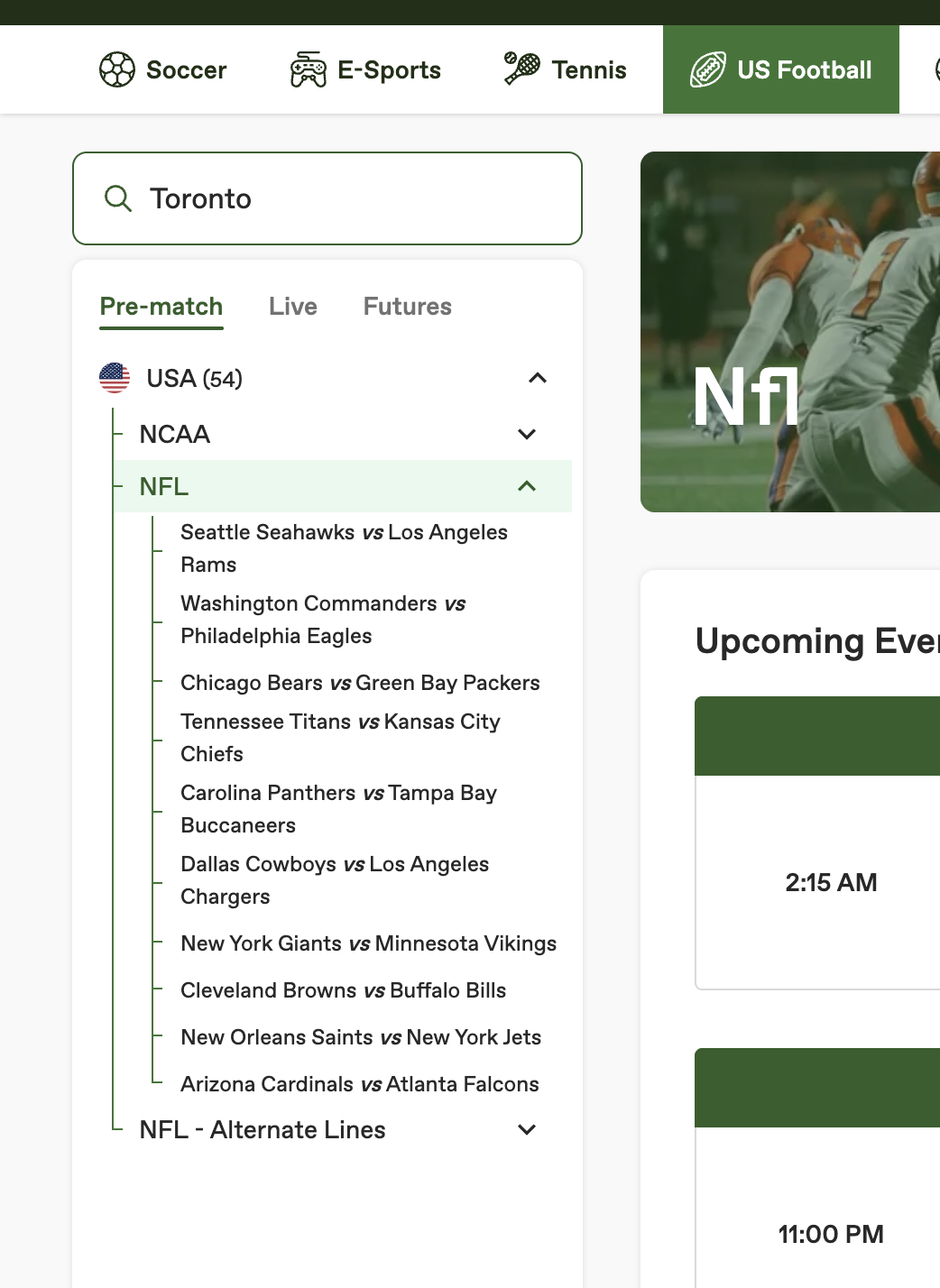
2. Search for the **competition/league** or directly for the **teams/players**.
3. Select the correct event from the list.
{% hint style="warning" %}
Double-check the event **date/time** and that you selected the correct competition (many teams have similar names).
{% endhint %}
{% endstep %}
{% step %}
### Choose your market and selection
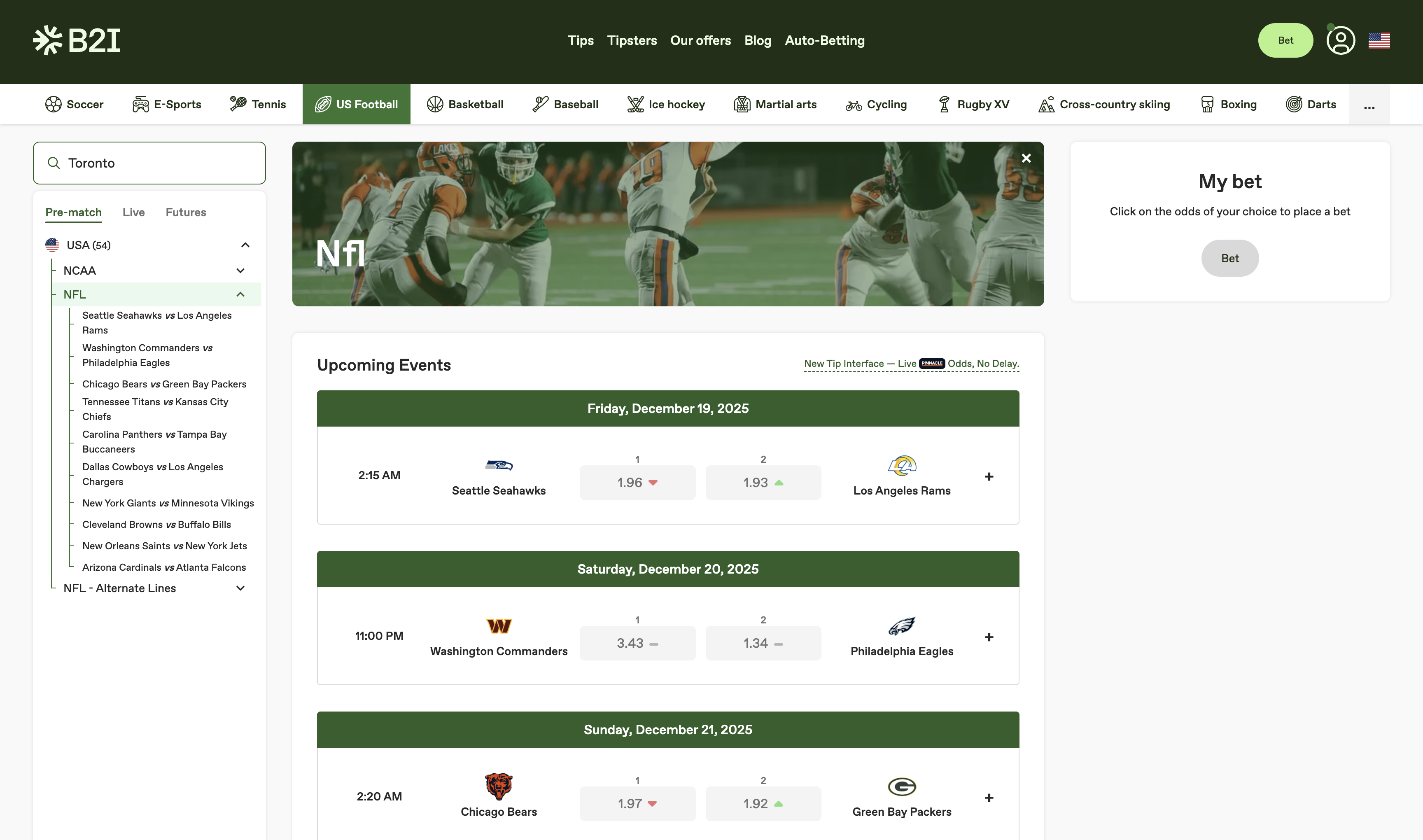
1. Browse the available **markets** (e.g., Moneyline / 1X2, Handicap, Totals, Props…).
2. Click your **selection** to add it to your tip.
{% hint style="info" %}
Bet2Invest uses bookmaker-grade market data (e.g., Pinnacle). You **select** odds from the available markets rather than typing custom odds.
{% endhint %}
{% endstep %}
{% step %}
### Review odds and tip details
In the tip, confirm:
* **Selection** is correct
* **Odds** shown match what you intend to take
{% hint style="warning" %}
Once a tip is published, it is meant to reflect a real, timestamped pick. Picks are immutable; they cannot be updated, even by an admin\*.
*\*the only case where an admin can update your pick is if there is a clear bug.*
{% endhint %}
{% endstep %}
{% step %}
### Choose the bankroll and set your stake (in units)
1. Select the **bankroll** where this tip will be tracked.
2. Enter your stake in **units** (example: `1U`, `1.5U`, `2U`).
By default, stakes are available in **0.25U increments** (0.25, 0.5, 0.75, 1, … up to 10). If you need different unit sizes for a specific strategy, see [Unit Increments & Limits](/bankrolls/unit-increments-and-limits.md).
{% hint style="info" %}
Using consistent staking (mostly 1–3 units) makes your results easier to analyse and more trustworthy for followers.
{% endhint %}
{% endstep %}
{% step %}
### (Optional) Add your analysis / reasoning
If the interface allows it, add:
* A short **rationale** (why you like the bet)
* Key numbers / edge (pricing, model %, matchup notes)
* Any relevant context (injuries, schedule, line movement)
{% hint style="success" %}
Clear reasoning helps followers understand your strategy and makes your long-term track record more credible.
{% endhint %}
{% endstep %}
{% step %}
### Publish / confirm the tip
1. Re-check everything one last time.
2. Click **Confirm / Publish**.
{% endstep %}
{% endstepper %}
***
### After publishing: where to find your tip
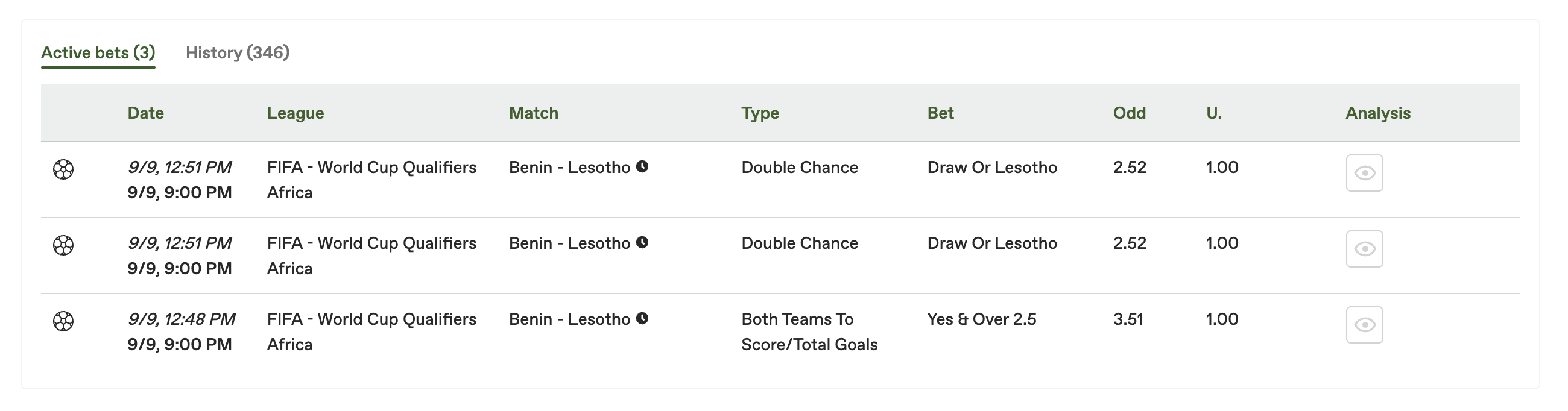
Once published, your tip should appear in:
* The selected **bankroll active bets**
* Your profile/feed (depending on your visibility settings)
To understand how and when tips are graded, see [How Picks Are Settled](/experts/how-picks-are-settled.md).
***
### Important notes (read this)
* **Tips are timestamped and tracked** to keep performance analysis meaningful.
* For long-term quality, focus on:
* sample size (hundreds of tips)
* disciplined units
* liquid markets (so followers can reproduce odds)
* CLV/CLEV over time (see [Why CLV & CLEV Matter](/bankrolls/why-clv-and-clev-matter.md))
{% hint style="warning" %}
If you published a tip by mistake (wrong event/side/stake), do **not** try to “fix” it by changing your staking rules afterward. Tips are immutable and cannot be changed even by admins.
{% endhint %}
***
### Troubleshooting
#### I can’t find my event
* Check spelling (teams/players)
* Try searching by league/competition first
* Confirm the event is offered on Pinnacle
#### The odds changed before I confirmed
This is normal in live markets. Re-check the price and only publish if you accept the new odds.
#### I don’t see the tip in my bankroll
* Make sure you selected the correct bankroll when publishing
* Refresh the bankroll page
* If it still doesn’t show, contact support with the event name and time you published the tip